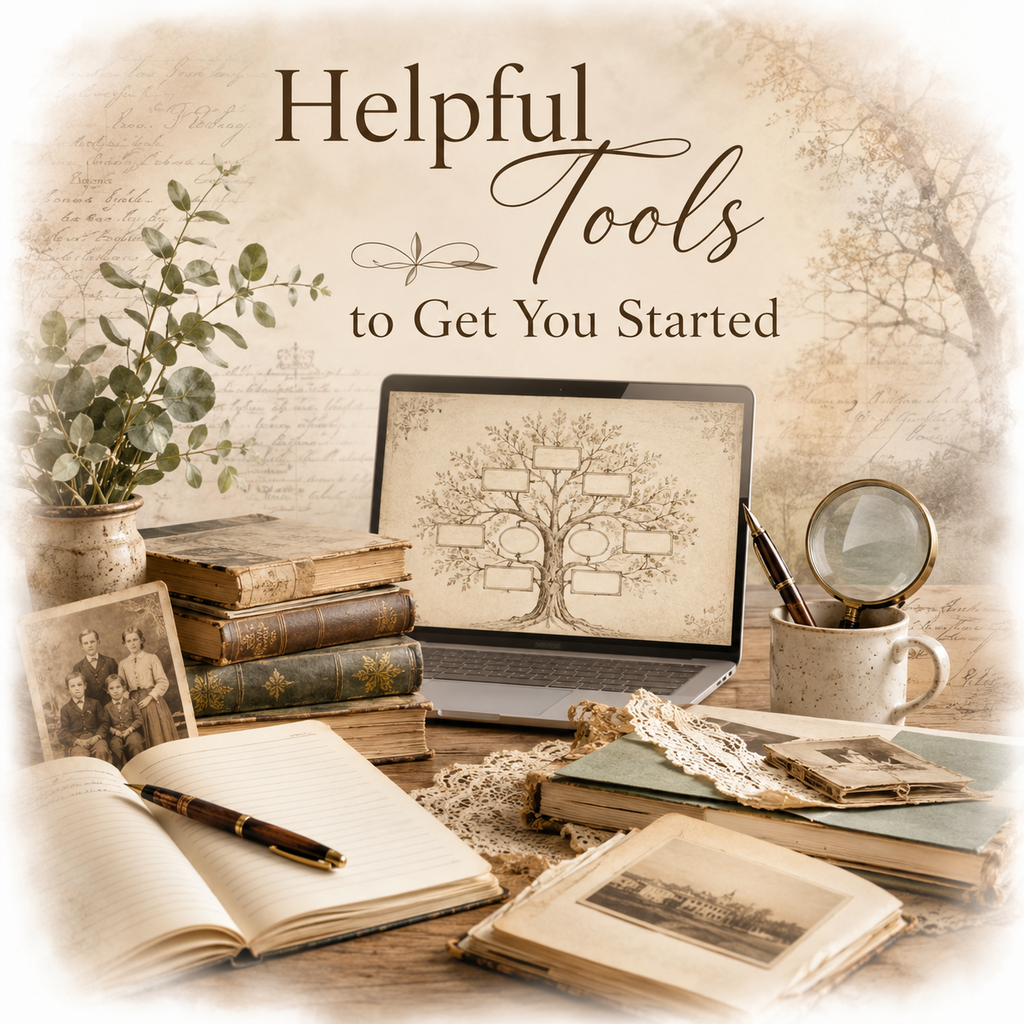
Genealogy today offers more tools than ever before. While a notebook and pencil can still take you a long way, digital tools can help you organize information, access records, and keep track of your research more efficiently.
The good news is that you do not need to use every tool available. Start with what feels comfortable and add new tools as your confidence grows.
Family Tree Software
Family tree software helps you organize names, dates, places, photographs, and documents in one location. It allows you to build your family tree and often includes charts, reports, and research tools.
Some programs are installed on your computer, while others are web-based and accessed through your browser.
Benefits include:
Popular examples include Family Tree Maker, RootsMagic, Legacy Family Tree, MacFamily Treeand Gramps.
Remember that no software program can do the research for you—it is simply a tool to help manage the information you collect.

Online Databases
Online genealogy websites provide access to historical records such as:
Some websites are free, while others require a subscription.
Commonly used resources include:
These databases can save countless hours of searching, but remember that indexed records can contain errors. Always view the original record whenever possible.
Spreadsheets and Tracking Tools
One of the biggest challenges in genealogy is remembering what you have already searched.
Research logs and tracking sheets can help you record:
Many genealogists use spreadsheet programs such as Excel or Google Sheets.
If spreadsheets feel intimidating, don't worry. A simple notebook, printed tracking sheet, word-processing document, or even index cards can work just as well. The goal is not to use fancy technology—it is to stay organized.
Scanning and Photographing Documents
As you gather family records, photographs, certificates, and letters, it is a good idea to create digital copies.
Benefits include:
A flatbed scanner often produces the best results, but many modern smartphones can create excellent scans using built-in camera features or scanning apps.
Genealogy isn't only about names and dates—it's also about preserving the photographs, documents, letters, certificates, and keepsakes that tell your family's story.
Whenever possible, choose archival-quality storage materials designed for long-term preservation. These products are made from materials that are acid-free, lignin-free, and less likely to cause deterioration over time.
Consider using:
Avoid:
Even small preservation steps taken today can help ensure that family treasures survive for future generations.
Digital Storage and Backups
Nothing is more frustrating than losing years of research because of a computer failure.
Consider keeping copies of your genealogy files in more than one location:
A simple backup routine can protect years of work.
Helpful Websites
In addition to record databases, many websites provide valuable genealogy education:
These resources can help you learn new research skills and discover records you may not have known existed.
A Word About Technology
It is easy to feel overwhelmed by the number of genealogy tools available today.
Remember that tools are meant to support your research—not replace it.
A successful genealogist is not the person with the most expensive software or the largest subscription package. It is the person who carefully evaluates evidence, keeps good notes, and continues learning.
Start with a few simple tools, use them consistently, and add new ones as your skills grow.
 Skeletons Key Tip
Technology changes quickly, and websites, subscriptions, and software programs come and go. Focus on learning good research habits rather than mastering every tool. Strong research skills will always be more valuable than the latest technology.

© 2026 Skeletons in the Closet Genealogy Services